
Help · Installation
From zero to your first launch.
Five steps, about twenty minutes with BlueStacks. Stuck? Antivirus guide or support.
-
1
Get BlueStacks 5
The free emulator, from its official site. Create one instance with these settings.
BlueStacks instance
Android Pie 64-bit1600 × 900ADB: onADB is in the advanced settings.
-
2
Install Clash of Clans
From Google Play, inside the instance. Sign in to your village.
Clash of Clans
Google PlayLanguage: EnglishThe game must stay in English.
-
3
Install Botbarian
Download it on our Download page, and only there. No administrator rights needed. Windows warns you? Three clicks.
Downloaded file
Botbarian_Setup.exeDouble-click, follow the installer.
-
4
Enter your licence
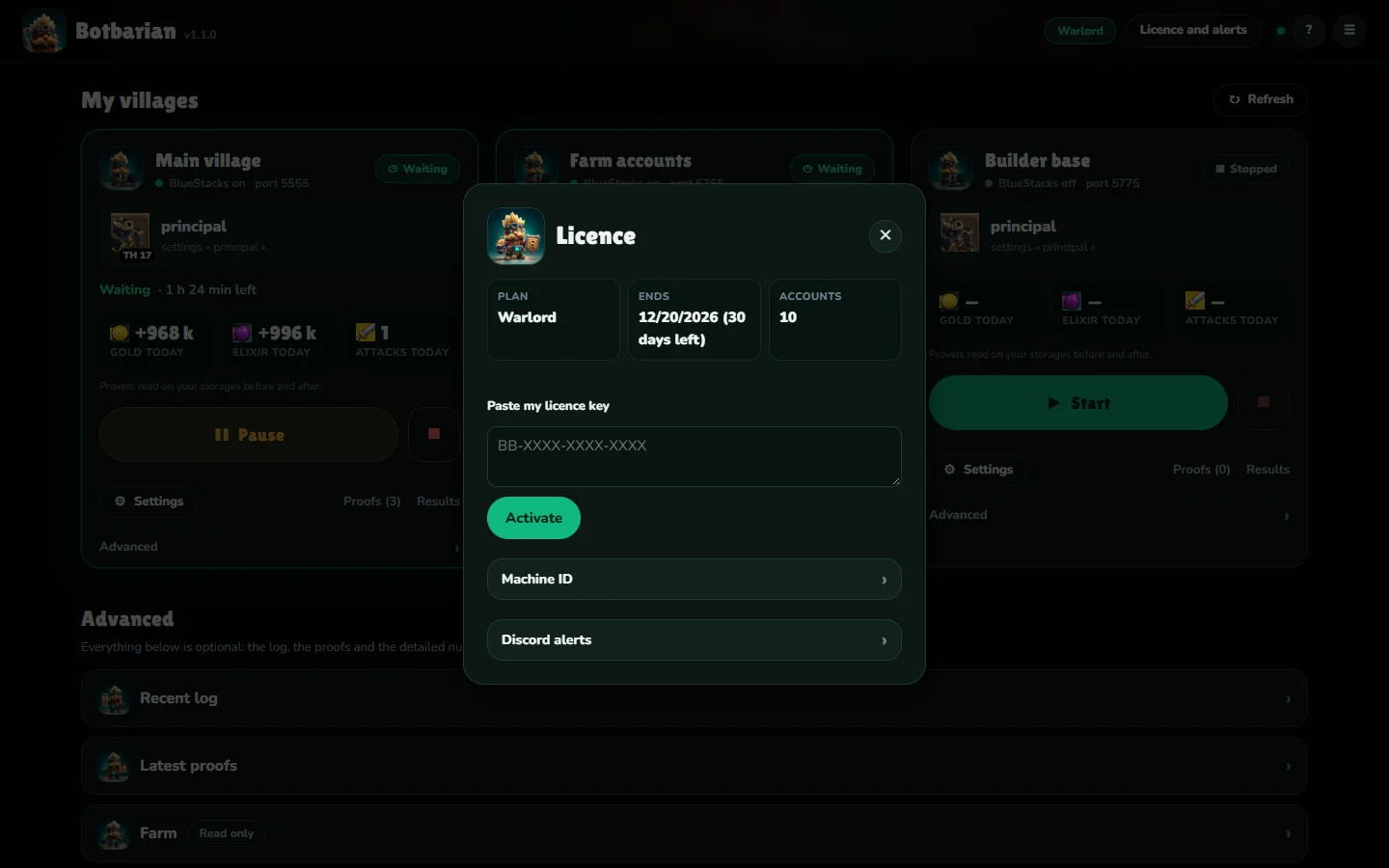
In the app: menu, then Licence. Paste your key and click Activate. No key? You start on the free plan.
-
5
Tick, then press Start
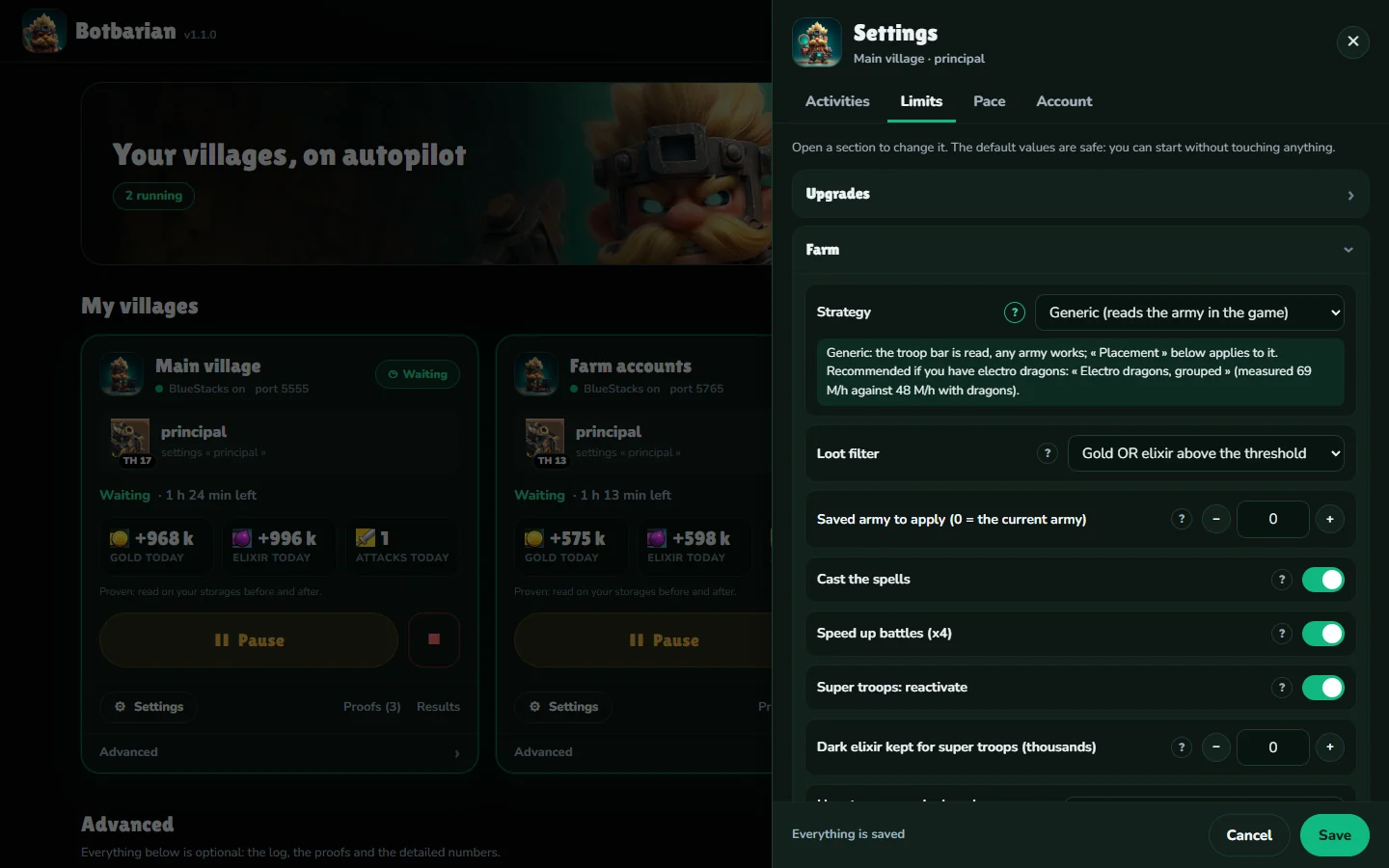
Choose what it does: builders, walls, farming, accounts. Anything that spends is unticked at first.
Something not working?
Windows or the antivirus blocks the installer
Follow the illustrated guide.
The app doesn't see my instance
Check that BlueStacks is open and ADB is on in its settings, then restart the app.
The licence switched back to free
Check your PC's clock and restart the app. If your plan has ended, renew it from the Pricing page.
Still stuck? Open a ticket: support will guide you.